Drop in a document. Get back an audio file.
PageSpoken turns PDFs, Word files and notes into one audio file, read by any of 30 lifelike narrators or your iPhone’s own voice. Listen right away, or take the file anywhere.
Coming to iPhone and iPad. Device voices are free. AI narration is priced by the word.

Read the page. Hear the story.
“Siobhan missed the 6:45 a.m. ferry by nine seconds.”
Follow Rachel’s reading of The Last Ferry with a one-page handout. Both chapters are in the audio. Two questions at the foot of the page give your group something to discuss afterward.
Read the transcript
A two-chapter sample for testing
Chapter One
The 6:45
Siobhan missed the 6:45 a.m. ferry by nine seconds. She knew it was nine because she counted them, standing on the dock at St. Brendan's Landing with a $12.50 ticket in one hand and a cold coffee in the other.
"Is there another one?" she asked.
The man in the booth didn't look up. "Eleven-fifteen," he said. "Unless the fog comes in. Then it's whenever the fog says."
She laughed—she couldn't help it—and sat down on a bench that had been painted green in 1987 and not since.
Chapter Two
What the Fog Said
By 10 o'clock the harbour had disappeared. First the far shore, then the breakwater, then the red buoy she had been using to measure how much of the world was left.
Dr. Okafor arrived at 10:30 with two umbrellas and no explanation. He was seventy-three, walked three kilometres every morning, and believed that roughly 80% of problems could be solved by sitting still.
"You're early," he said.
"I'm four and a half hours late."
"Same thing, on an island." He handed her an umbrella. "Wait... do you hear that?"
Somewhere inside the white, a horn sounded twice. The ferry was coming after all!
How to turn a PDF into an audio file on iPhone
Read the steps
- Open PageSpoken and tap Files. Pick a text-based PDF.
- Choose the chapters you want to hear and a narrator. Tap Create audio.
- Tap Save to Files or share, choose Save to Files, then pick a folder.
- Open the saved M4A in Files and tap Play.
The voice behind a RedPen demo
We gave PageSpoken one line of script, including a deliberate extra word. Hear Thomas read it on its own, then hear the same recording in the finished proofreading video.
Watch the full RedPen clipThree steps from file to headphones
Add a document
PDF, Word, plain text, Markdown, RTF or a saved web page. Open it from Files or another app’s share menu.
Choose what you hear
Tick the chapters you want, cut it to 1, 2, 5 or 10 minutes, and take out any name or paragraph first.
Pick a narrator and listen
Play it in PageSpoken with speed and lock-screen controls, or save the audio file and send it anywhere.
Cast your narrator
Choose a voice to hear it read the same passage from The Last Ferry. These are the Standard AI samples from PageSpoken.
For drafts, notes and everyday listening.
Richer expression for the finished piece. Same narrator, side by side, one tap apart.
Your iPhone’s own voices make the audio on the device. Nothing leaves your phone.
One file that plays everywhere
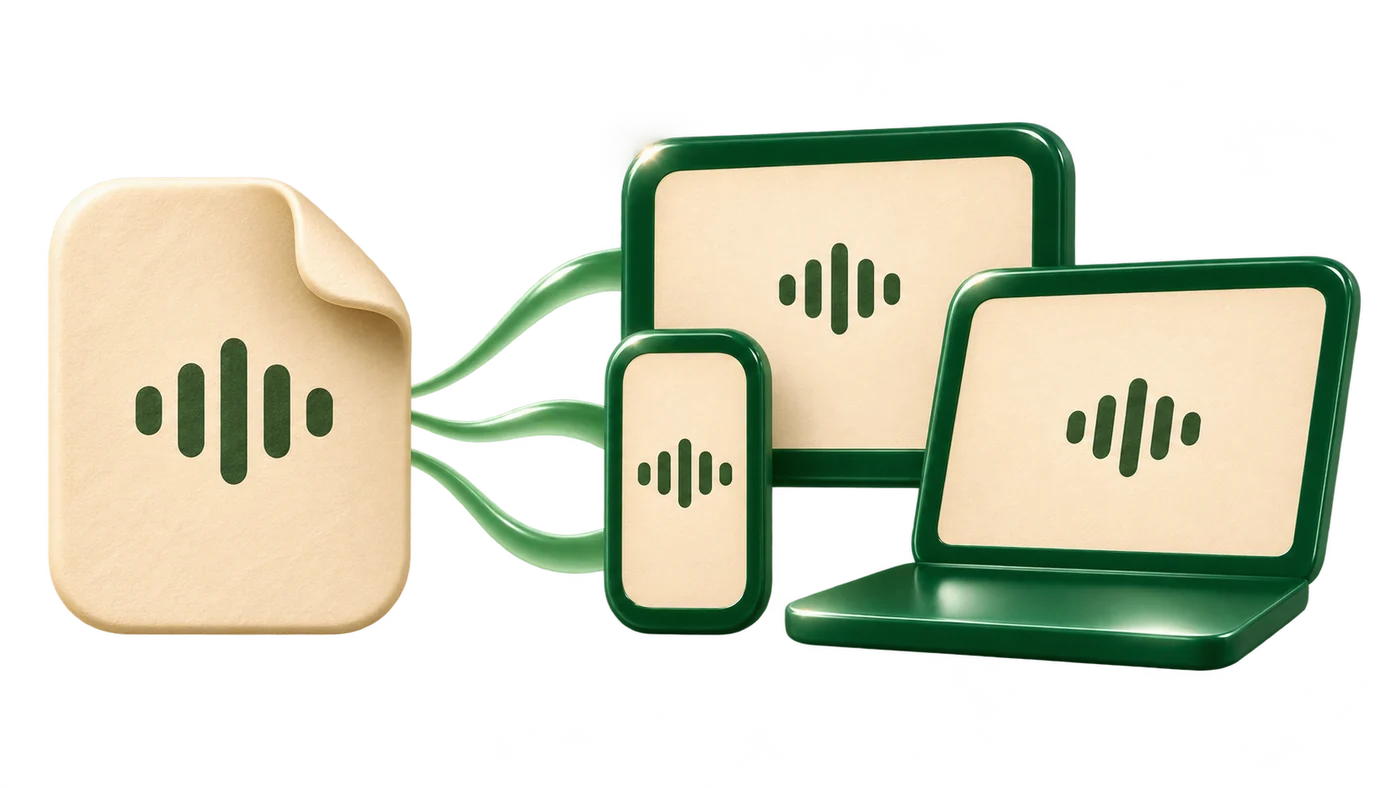
PageSpoken saves a standard M4A that opens on iPhone, iPad, Mac and Windows with no extra software. Drop it in Files, a podcast app or an email.
Take out what isn’t yours to share
Remove a client’s name everywhere it appears, or drop whole paragraphs, before anything is narrated. PageSpoken asks before it sends a single passage to a voice service.
Pay for words, not a subscription
One credit narrates one word. Credits never expire, audio you’ve made replays free, and your balance is shared with RedPen.
Apple device voices are always free. Prices are set in the App Store and shown in your currency.
For educators
Have a handout you want students to hear?
Send us one page you wrote. We’ll make a free listening sample you can share with your students.